
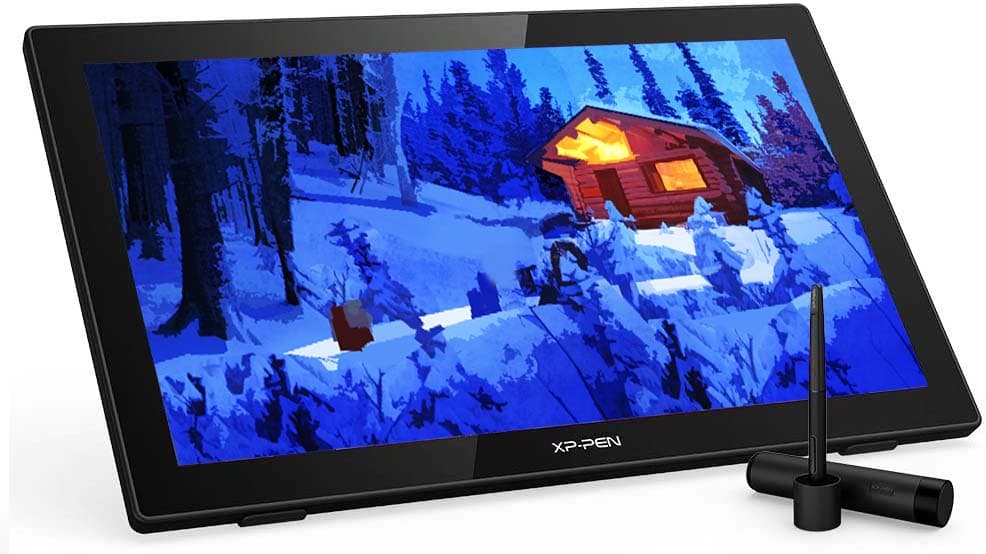
We review the XP-Pen Artist 22 2nd gen and we compare it against Huion Kamvas 22 and Wacom Cintiq 22
XP-Pen drawing tablets and monitors have been gaining lots of traction over the last few years. With impressive specs, quality and design, XP-Pen drawing monitors are gaining lots of attention and increasing their market share.
In this full analysis we look at the XP-Pen Artist 22 2nd gen in detail, reviewing its specs and features and comparing it with other drawing monitors from other leading brands.
This analysis is based on our tests on a demo unit provided by XP-Pen.
Disclosure: This post may contain affiliate links. That means if you buy something we get a small commission at no extra cost to you (learn more). This allows us to keep this website alive.
- XP-PEN ARTIST 22
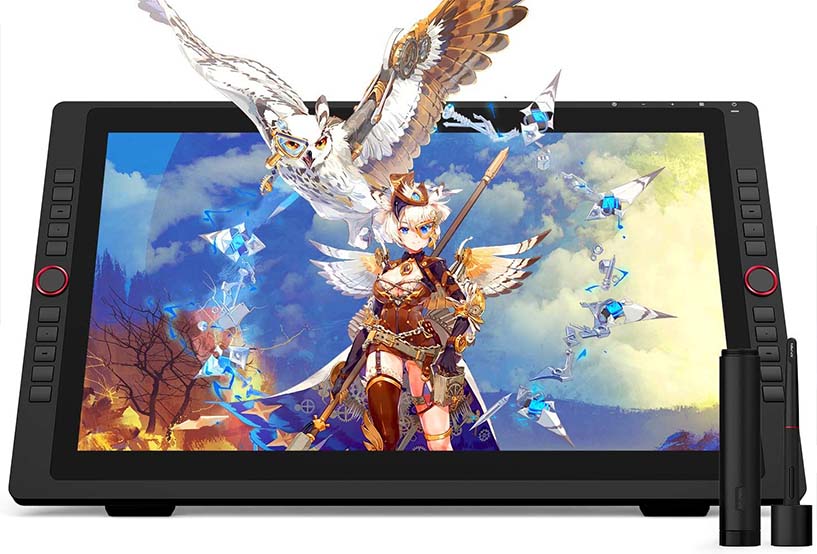
- XP-PEN ARTIST 22R PRO
► Best value:
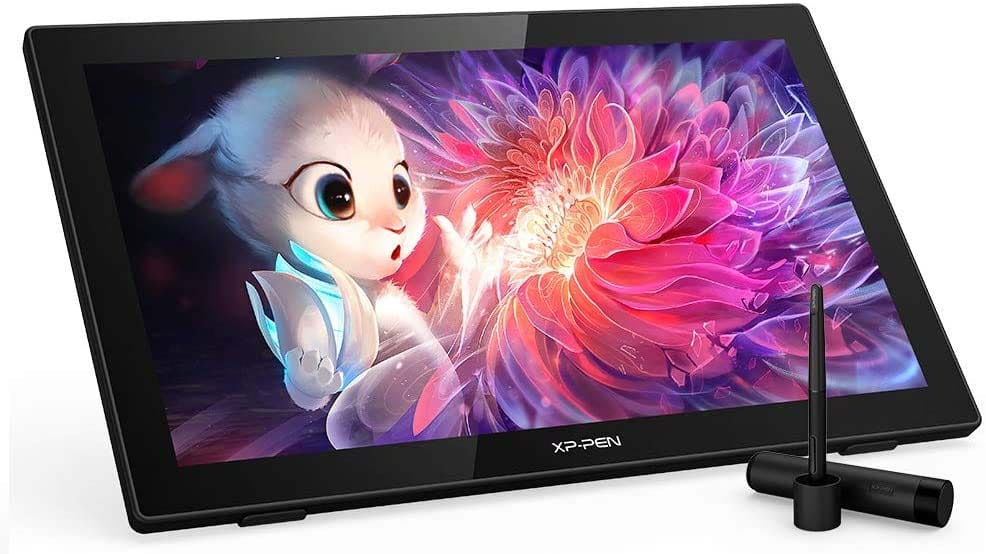
Great value, incredible results
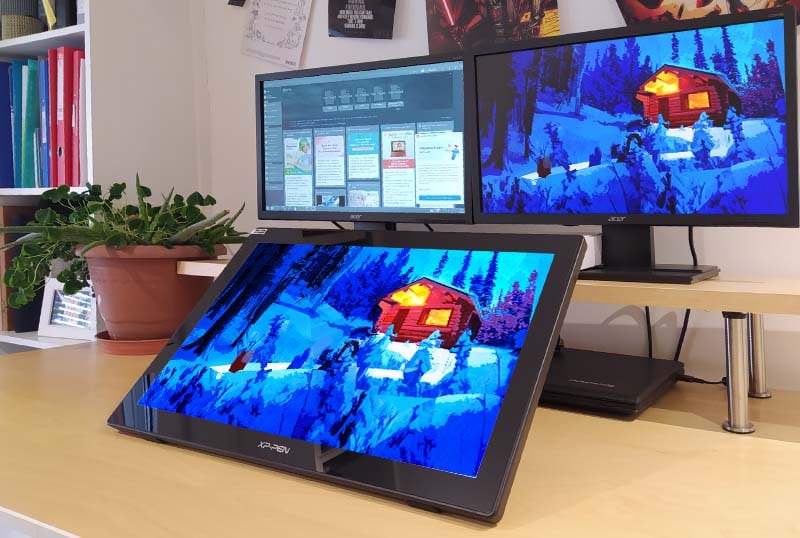
The new Artist 22 2nd gen is one of the best value drawing monitors out there, check out the spec list which is quite impressive:
- Display:
- Resolution: 1920 x 1080 Full HD
- Color gamut: 86% NTSC, Adobe® RGB≥90%, sRGB≥122%
- Active area: 476.064 x 267.786mm
- Contrast: 800:1
- Brightness: 250 cd/m2
- Digital stylus:
- Tilt sensitivity: +/-60 degrees
- Pressure sensitivity: 8192 levels
- Battery-free stylus: Yes
- Accuracy: +/-0.5mm (center), +/-1.5mm (corners)
- Detection height: 10mm
- Lines per inch: 5080 LPI
- Interface:
- USB type-C
- HDMI
- Headphone jack
- Dimensions:
- Product dimensions: 538 x 332 x 25.8mm
- Active area: 476.064 x 267.786mm
- Left-handed use: Yes
- Stand and mount:
- Stand inclination: 16 - 90 degrees
- VESA mount: yes, 100 x 100mm
- Compatibility:
- Windows 7 or later
- Mac OS 10.10 or later
- Linux (supported versions on XP-Pen website)
- Price: XP-Pen Artist 22 price
|  |  | |
|---|---|---|---|
Brand / Model | XP-Pen Artist 22 (2nd gen) | Huion Kamvas 22 | Wacom Cintiq 22 |
Screen | 21.5'' Full HD | 21.5'' Full HD | 21.5'' Full HD |
Pressure levels | 8192 levels | 8192 levels | 8192 levels |
Tilt sensitivity | 60 degrees | 60 degrees | 60 degrees |
Battery-free pen | Yes | Yes | Yes |
Report rate | 200 RPS | 200 RPS | Not specified |
Response time | 8 ms | 14 ms | 22 ms |
Color gamut | 122% sRGB | 120% sRGB | 96% sRGB |
Pen position accuracy (corner) | +/-1.5 mm | +/-2 mm | Not specified |
Stand adjustment | 16 - 90 degrees | 20 - 80 degrees | 16 - 82 degrees |
Programmable keys | No | No | No |
Price | $ | $ | $$ |
Price | |||
  |
So, the XP-Pen Artist 22 2nd generation wins the spec race.
Looking at the figures above, it looks like XP-Pen have done a good job at providing the Artist 22 2nd generation with a well rounded set of specifications.
It is clear that XP-Pen have definitely thought carefully about the design and specifications for the Artist 22 2nd generation. The result is a pretty good pen display that you can get incredible results with when it comes to digital art, illustration or design.
The Artist 22 2nd gen is considered to be an entry level drawing monitor, as it has a much lower price than other drawing monitors such as the Artist 22R Pro. One of the main differences with more expensive drawing tablets is in the programmable buttons. The Artist 22 2nd gen does not have any programmable buttons, so you will need to use the keyboard or some additional buttons accessory. However this is not a problem for many artists and designers who use the keyboard shortcuts anyway as part of their workflow.
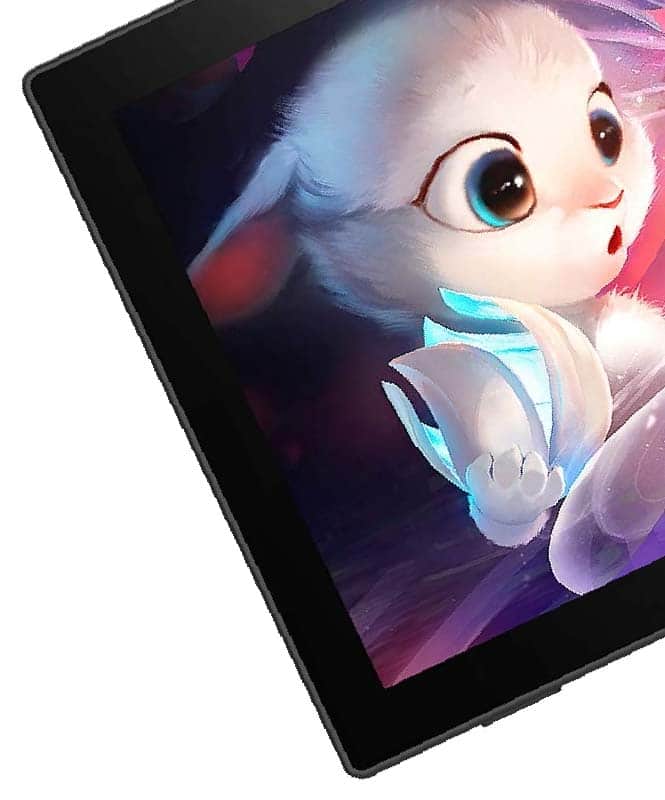
122% sRGB color gamut makes colors on this pen display vibrant and rich. Colorful illustrations on this monitor look amazing and it feels great to see your work come to life on screen.
Response time of 8ms is really fast. The screen feels responsive and quick, which improves the user experience.
The digital pen also feels great. Battery-free, 8192 pressure levels and, most importantly, 60 degrees of tilt sensitivity. If you have been reading us for a while you already know that we consider tilt sensitivity a great feature on drawing tablets, especially for doing realistic and rich illustrations.
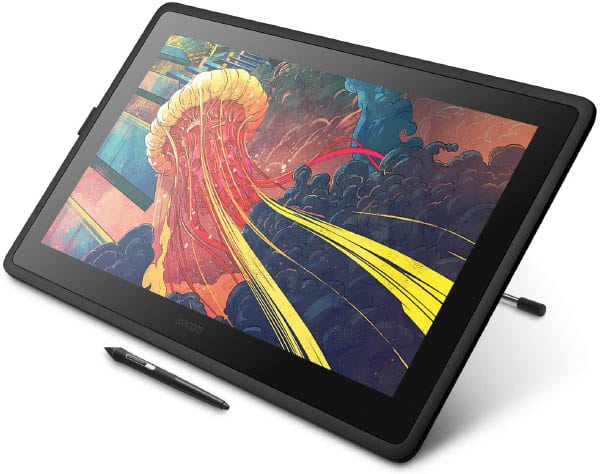
As a summary, the set of specifications on the XP-Pen Artist 22 2nd gen is pretty impressive, especially given its price, which is much cheaper than a Wacom Cintiq 22 (DTK2260K0A) (you can check the price here).
Testing this drawing monitor the first impression we got was clear: Good quality and good user experience.
From packaging to installation, the moment you unbox the Artist 22 2nd gen and you plug it into your computer, the feeling you get is that of a quality product.
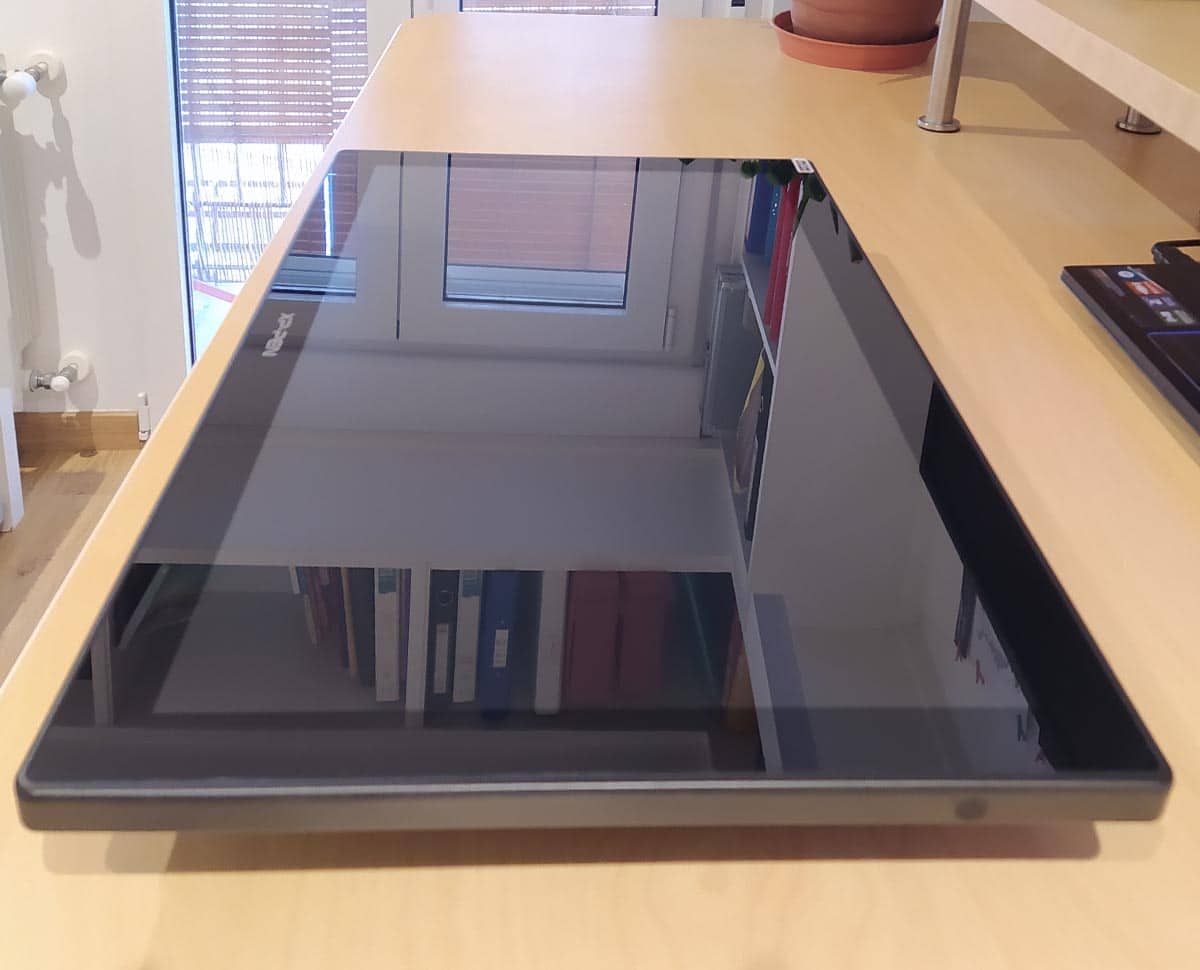
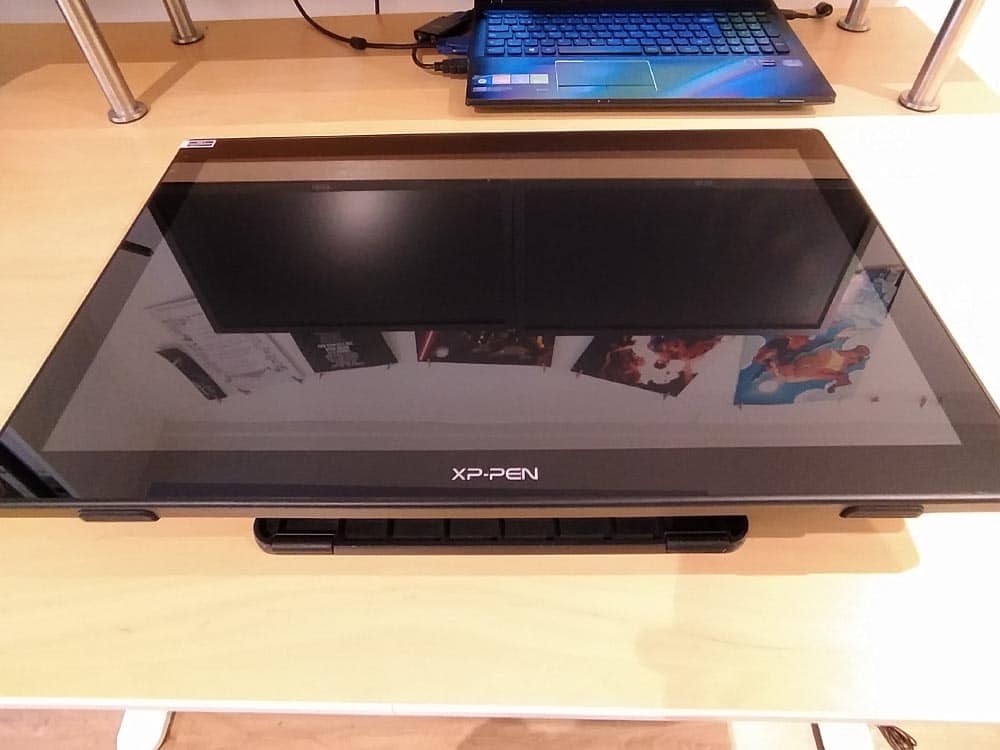
The screen comes carefully protected with anti-scratching plastic films. The monitor materials are smooth and resistant. The drawing surface is ample and smooth, the finish is quite clean and elegant.
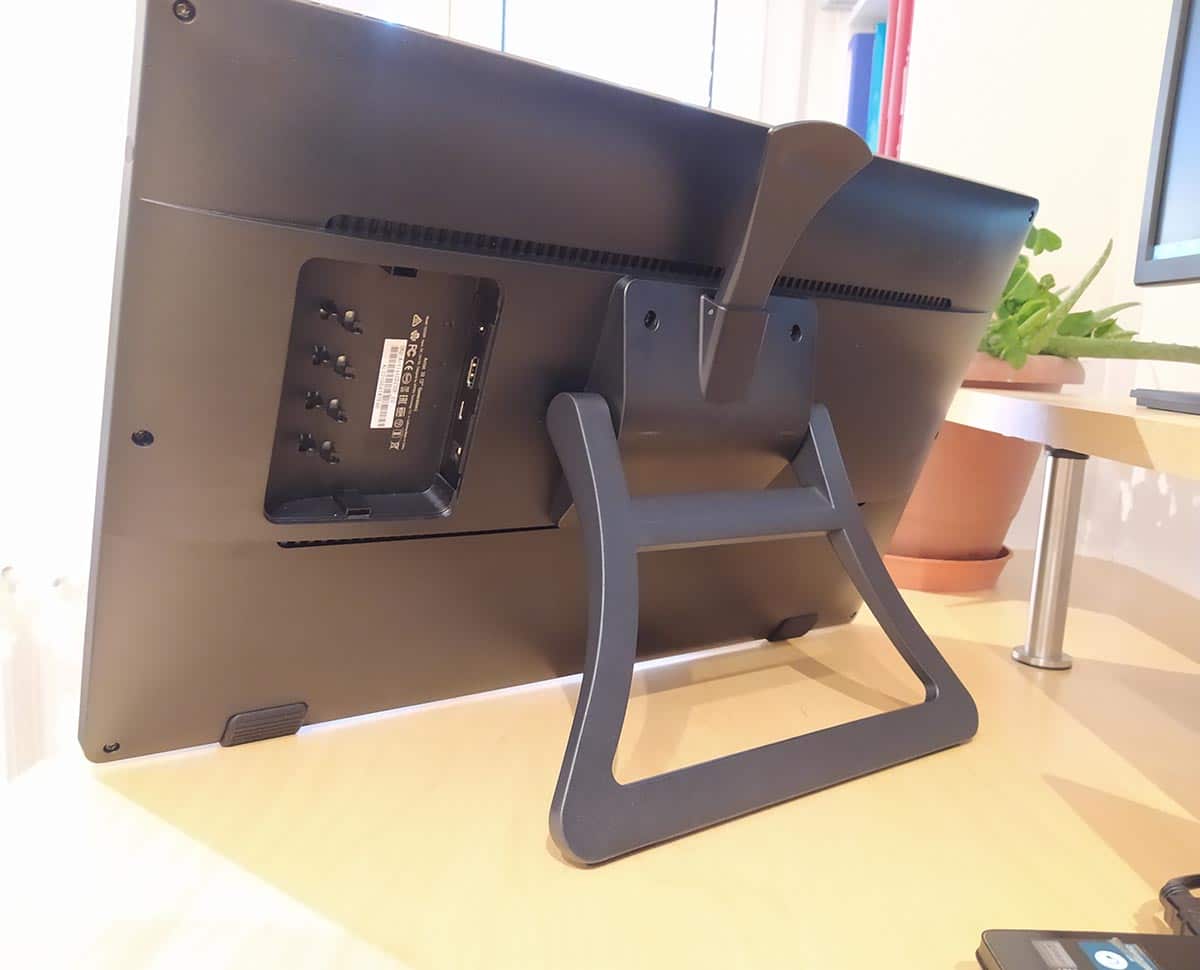
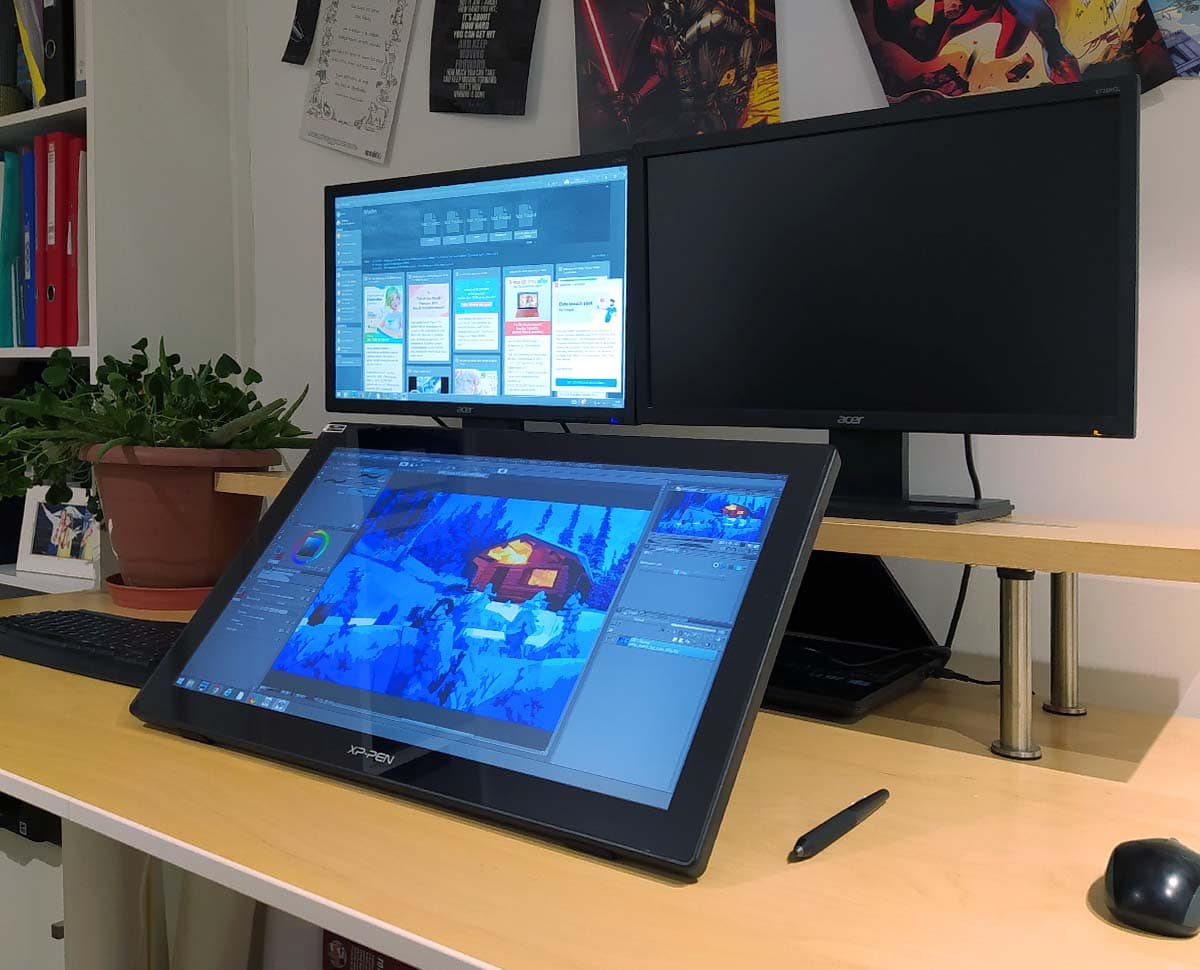
The adjustable stand is great and it allows for various angle positions. This is great in general but even better if you have an adjustable standing desk. Overall impression is that of a durable product that, well taken care of, will last you forever.
Even though this is an entry level drawin monitor, once set up on your desk the impression is that you could use this drawing monitor for professional work if you wanted to.
The driver installation process for the Artist 22 2nd gen is quite easy and straight forward. We did not get any issues with drivers or software.
We tested this with various drawing software packages like Photoshop, Clip Sutdio Paint, etc. without issues. Again, great feeling when it comes to pressure sensitivity and tilt support.
Bear in mind that once you buy the XP-Pen Artist 22 2nd gen you get a free creative software package included, you can choose ArtRage 5, openCanvas, or Cartoon Animator 4 Pipeline Version.
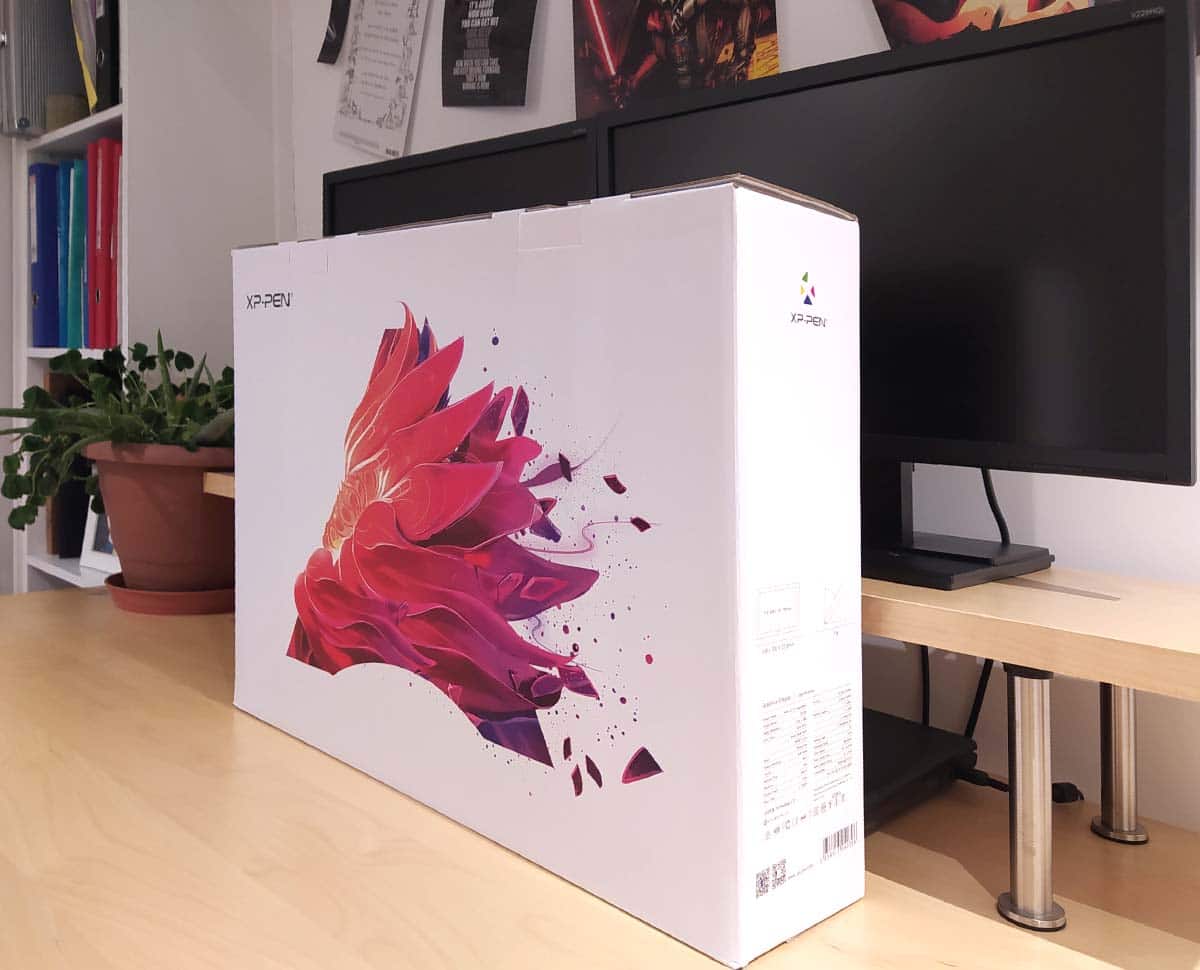
The drawing tablet comes nicely packaged and in the box and along with the monitor you get:
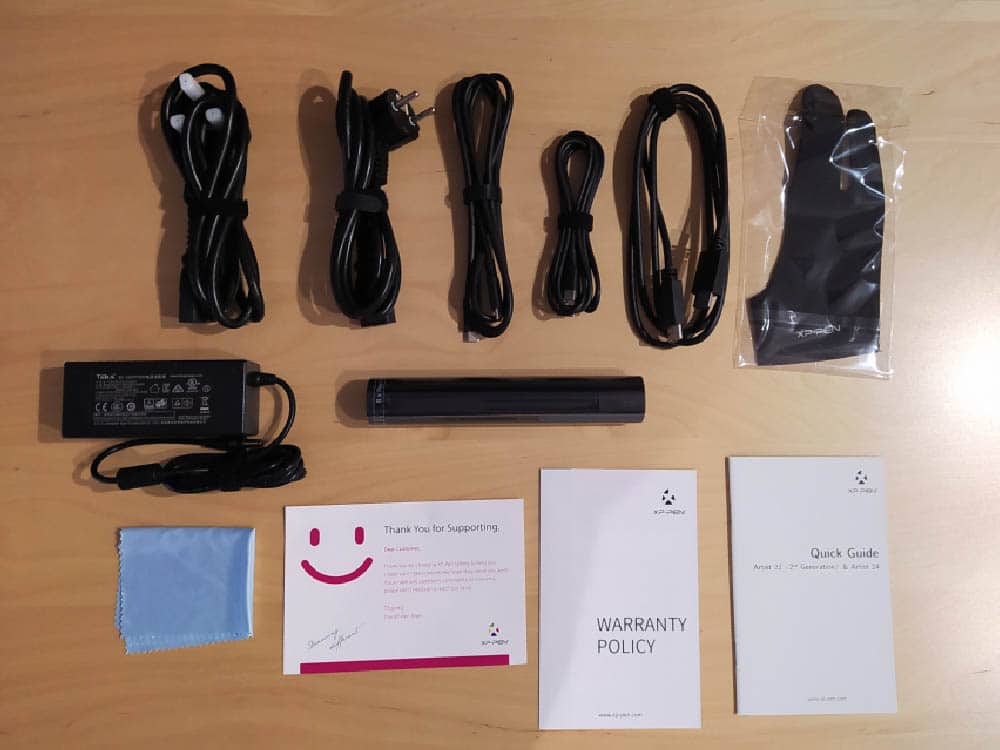
The drawing monitor comes with an artist glove included which is handy and comfortable to work with.
When you plug in the drawing monitor to your computer, the cable set up is quite easy and cables don't clutter your desk too much, thanks to the USB-C connection.
The Artist 22 2nd gen in action
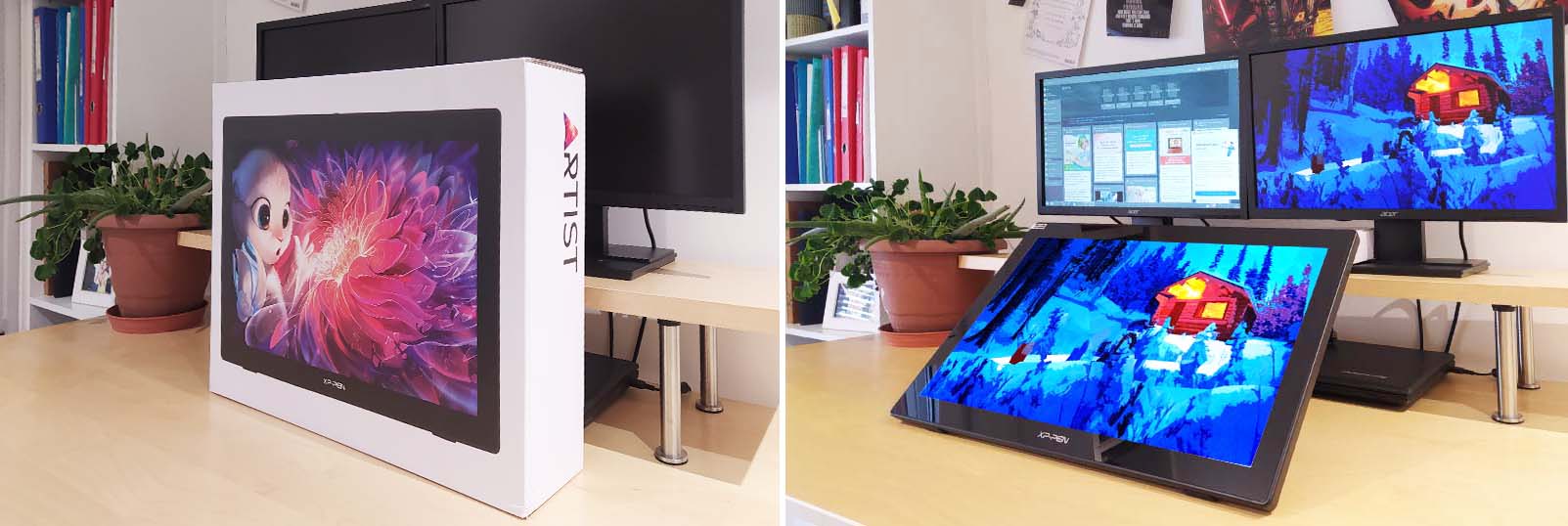
When you plug in the drawing monitor to your computer, it will automatically detect it and then you can configure whether you want to use a split monitor setup or you want to extend your main monitor into you Artist 22 2nd gen.
Also you can download the drivers from the official website, install the driver utility which will allow you to go through the calibration steps, pressure curves setup as well as stylus buttons configuration.
Once done, you are ready to use your Artist 22 2nd gen.
We tested the Artist 22 2nd gen on various creative programs and we tried things like pressure sensitivity and tilt support.
In particular, Clip Studio Paint, Photoshop and Krita work well and without issues with the Artist 22 2nd gen.
We did some slow diagonal tests which is usually a good test to see how the digital stylus performs when doing small and slow marks over the screen.
The results were pretty good as you can see in the following videos.
On the Artist 22 driver configuration utility you can configure the mapping of the screen active area to whichever computer monitor you want to map it to.
You will also be able to configure the stylus buttons, pressure sensitivity curves, and do the calibration of the drawing monitor so that you minimize parallax effect.
You can get this drawing monitor on Amazon, or on XP-Pen's online store.
The following are affiliate links, which means that if you make a purchase through these links we earn a small commission automatically at no extra cost to you, this way we can keep this website going.
Select your location:
Amazon US: https://amzn.to/2RXn9aU
Amazon UK: https://amzn.to/3uVKqsw
Amazon ES: https://amzn.to/3yg81q3
XP-Pen online store: https://bit.ly/3d3S5x7
XP-Pen Artist 22 2nd gen official product website: https://www.xp-pen.com/product/855.html
Final Verdict
Given the specs of the Artist 22 2nd gen and its reduced cost (honestly, please look at the prices and judge for yourself, Wacom Cintiq 22 price versus XP-Pen Artist 22 2nd gen price), and even comparing this drawing monitor against Huion competitor models like the Kamvas 22, we believe it's fair to say that the XP-Pen Artist 22 2nd gen is definitely worth buying if you are looking for a quality drawing monitor with solid specs at a great price point, perfect for leveling up your digital illustrations and designs.
The quality of the screen colours, responsiveness, performance of the digital stylus, slim and sleek design, and its very affordable price make it a really good choice for those looking for good performance without having to spend too much. This drawing monitor can be used for creating digital art either as a student, illustrator or graphic designer, even at a very high level with professional results.
Pros:
Cons:
We hope you found this review helpful. Take care and keep creating!
Want to know what are the best Pen Display graphic tablets of this year?
Looking for a tablet computer?

 (31 votos, promedio: 4.13 de 5)
 Loading...