
What's the difference between Huion Kamvas GT-191 and GT-191 V2? The V2 version is the newer, more advanced version of the GT-191 drawing tablet. The V2 version has some improvements such as 266 RPS report rate, battery-free pen and the possibility of supporting tilt sensitivity. If you are trying to decide between the Huion GT-191 and the GT-191 V2, read on to find out which one to buy.
Disclosure: This post may contain affiliate links. That means if you buy something we get a small commission at no extra cost to you (learn more). This allows us to keep this website alive.
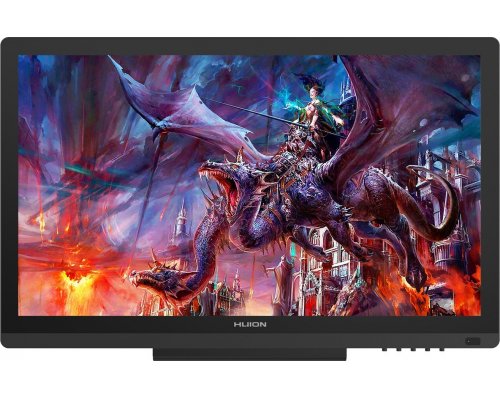
The Huion Kamvas GT-191 is one of the best-selling pen display drawing monitors made by Huion. With a 19.5 inch Full HD screen, it has pretty impressive specs at a very affordable cost which makes it a good alternative to Wacom Cintiq range of drawing monitors.
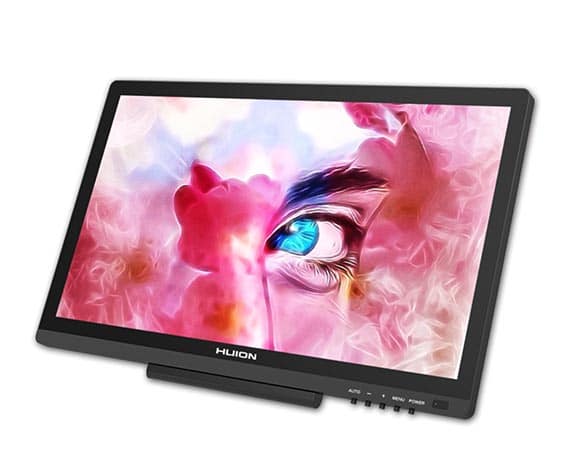
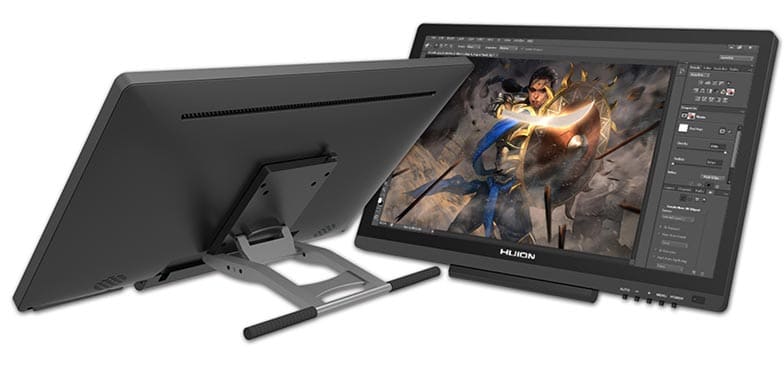
- Screen:
- Size: 19.5 inch
- Resolution: Full HD 1920 x 1080 pixels
- Lines per inch: 5080 LPI
- Active area: 434.88 x 238.68 mm
- Full viewing angle: 178º
- Color: 16.7 Million
- Color gamut: 72% NTSC
- Digital stylus:
- Pressure sensitivity: 8192 levels
- Battery-free stylus: No
- Report rate: 233 RPS
- Detection height: 12mm
- Interface:
- Vídeo HDMI / DVI /VGA
- Data USB
- Supply
- 3-in-1 cable: No
- Programmable buttons: None
- Adjustable stand: 20 - 80 degree
- Compatibility: Windows 7 or later and MacOS 10.11 or later
- Size: 475 x 298 mm
- Weight: 3.3 Kg
- Price: Check Huion GT-191 price
|  | 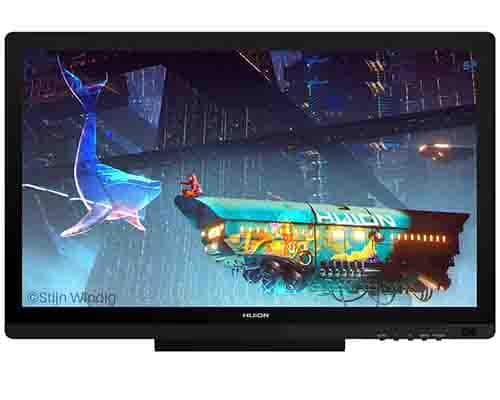 | |
|---|---|---|---|
Brand / Model | Huion Kamvas GT-191 | Huion Kamvas GT-191 V2 | Huion Kamvas 20 |
Screen | 19.5'' Full HD | 19.5'' Full HD | 19.5'' Full HD |
Pressure levels | 8192 levels | 8192 levels | 8192 levels |
Report rate | 233 RPS | 266 RPS | 266 RPS |
Battery-free pen | No | Yes | Yes |
Tilt sensitivity | No | No | Yes |
Color gamut | 100% sRGB | 100% sRGB | 120% sRGB |
Price | |||
Deals found? [ We are constantly looking for deals and opportunities and we will share our findings here ] | Huion Kamvas GT-191 V2 is on Amazon at a good price |
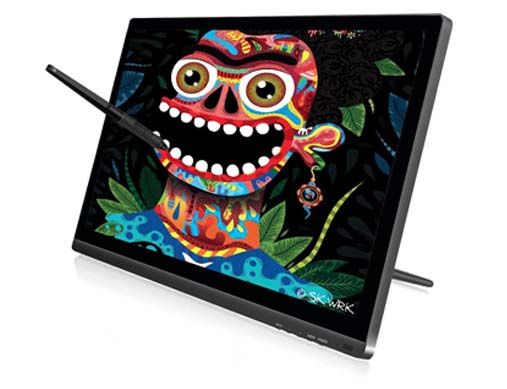
The GT-191 V2 is the updated version of the successful GT-191 drawing monitor. The V2 version has an improved digital stylus, the PW500, which has better report rate and is battery-free.
The Kamvas 20 has been released relatively recently and is an even more upgraded version of the same family (something like the 3rd generation for this drawing tablet). The Kamvas 20 has significant improvements as it has tilt sensitivity and better color quality with 120% sRGB color gamut.
Digital pen on the Huion Kamvas GT-191

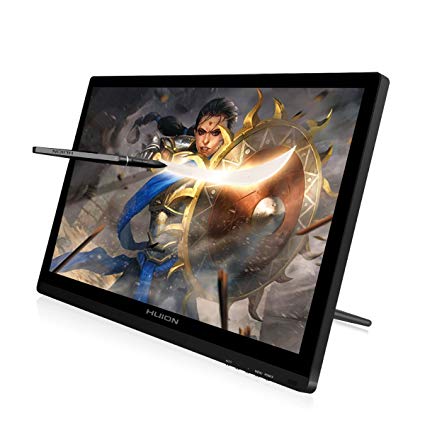
The Huion Kamvas GT-191 is a best selling drawing tablet with very well rounded specs.
For its price, which is much cheaper than a Wacom Cintiq, you get a high quality Full HD display and a professional digital pen with 8192 pressure levels.
The digital pen on the Huion Kamvas GT-191 is the PE330, with 8192 pressure sensitivity levels and a very respectable report rate of 233 RPS. The only downside is that the pen is not battery-free, however this is not a major issue since its battery can last 350 hours of use.
Now, if you decide to upgrade to the GT-191 V2, you get the new PW500 digital pen which uses passive technology, which means it is completetly battery-free. The PW500 also has an improved report rate of 266 RPS, which is the fastest report rate on the market for drawing tablets. It also features an improved sensing height of 10 mm with respect to the 12 mm on the GT-191 model.
It is worth noting that, while the GT-191 V2 does not support tilt sensitivity out of the box, the PW500 is the same digital pen used in other Huion drawing tablets that support tilt sensitivity. Therefore, in theory it would be possible for Huion to release a firmware update for the GT-191 V2 to enable tilt recognition on this device.

|  |  | |
|---|---|---|---|
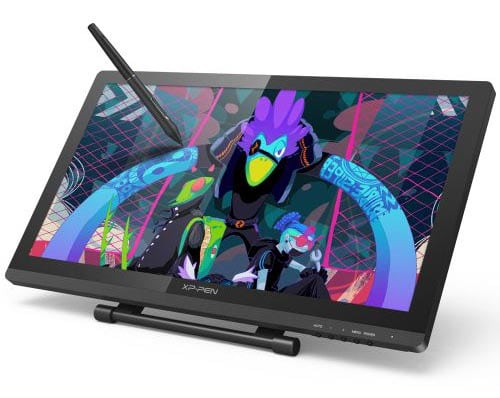
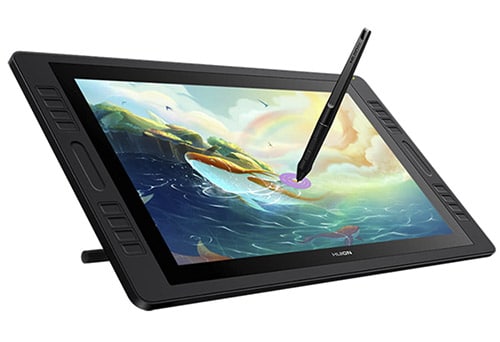
Brand / Model | Huion Kamvas GT-191 | XP-Pen Artist 22 Pro | Huion Kamvas Pro 20 |
Screen | 19.5'' Full HD | 21.5'' Full HD | 19.5'' Full HD |
Pressure levels | 8192 levels | 8192 levels | 8192 levels |
Report rate | 233 RPS | 266 RPS | 266 RPS |
Battery-free pen | No | No | Yes |
Tilt sensitivity | No | No | Yes |
Programmable buttons | No | No | 16 buttons and 2 touch bars |
Price | |||
Full Review | Full Review | ||
Deals found? [ We are constantly looking for deals and opportunities and we will share our findings here ] | Huion Kamvas GT-191 V2 is on Amazon at a good price |
Want to know what are the best Pen Display graphic tablets of this year?
Looking for a tablet computer?

 (8 votos, promedio: 4.38 de 5)
 Loading...